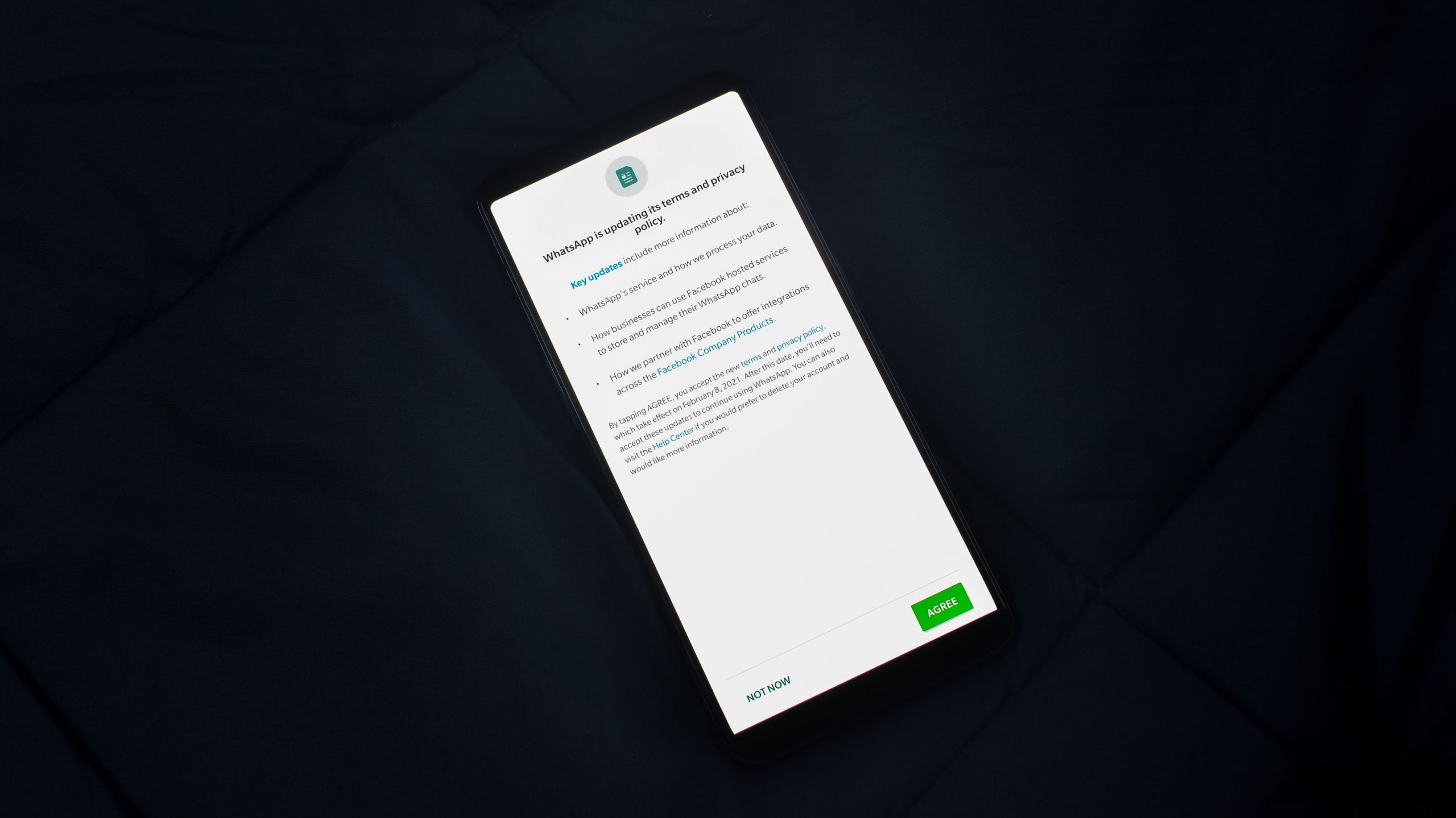
Enhancing Your Privacy: Essential First Steps for Protecting Yourself Online and Offline
In an increasingly digital world, safeguarding your personal privacy has become more important than ever. For many individuals, understanding how to start this journey can be daunting, especially if privacy is not their native area of expertise. Whether you’re looking to improve your security online or simply want to adopt better privacy habits in everyday life, taking initial steps in the right direction is crucial.
Why Privacy Matters
With numerous personal details shared across social media, online transactions, and connected devices, our information is constantly vulnerable to breaches and misuse. Establishing strong privacy practices helps protect your personal data from unauthorized access, identity theft, and surveillance.
Getting Started with Privacy: Basic Principles and Practical Steps
- Educate Yourself on Privacy Foundations
Beginning your privacy journey requires understanding what personal data is and how it can be exploited. Familiarize yourself with common privacy concerns such as data tracking, targeted advertising, and data breaches. Reliable sources include privacy-focused websites, reputable cybersecurity blogs, and official privacy guidelines.
- Use Strong, Unique Passwords
One of the simplest yet most effective steps is creating strong, unique passwords for each account. Consider using a reputable password manager to generate and store passwords securely, reducing the risk of unauthorized access.
- Enable Two-Factor Authentication (2FA)
Adding an extra layer of security through 2FA significantly decreases the chances of account compromise. Whenever available, activate this feature on your email, social media, banking, and other sensitive accounts.
- Limit Personal Data Sharing
Be cautious about the information you share publicly online. Review your privacy settings on social media platforms, and consider limiting the visibility of your profiles and posts. Think critically before providing personal details on websites or apps.
- Use Privacy-Focused Tools and Browsers
Switch to web browsers that prioritize privacy, such as Firefox or Brave. Use ad blockers and anti-tracking extensions to prevent third parties from monitoring your online activity.
- Secure Your Devices
Keep your devices’ operating systems and applications up to date, as updates often include security patches. Enable device encryption and utilize security features like fingerprint or facial recognition where possible.
- Practice Safe Online Behavior
Be cautious when clicking links or downloading files from unknown sources. Avoid using public Wi-Fi networks for sensitive activities without a VPN, which encrypts your internet traffic.
- Regularly Review Privacy Settings and Permissions
Periodically check the privacy settings on your online accounts and mobile apps. Revoke unnecessary permissions that could grant access to your location, contacts, camera, or microphone.
Building a Privacy-Aware Lifestyle
Starting with these fundamental steps lays a solid foundation for enhanced privacy. As you become more comfortable, you can explore advanced measures such as encrypted messaging apps, virtual private networks (VPNs), and privacy-centric operating systems.
Conclusion
Protecting your personal privacy is an ongoing process that begins with awareness and simple habits. By taking these initial measures, you not only safeguard your personal data but also contribute to a more privacy-conscious digital environment. Remember, every small step counts toward maintaining your autonomy and security in today’s interconnected world.