Enhancing Your Privacy While Using Instagram: Effective Strategies and Best Practices
In today’s digital landscape, maintaining privacy while using popular social media platforms can be a challenge. Many users seek ways to limit the amount of data collected by services like Instagram, especially as they strive to protect their online footprint. If you’ve already adjusted your privacy settings but still wish to further minimize tracking, this article explores practical strategies to help you browse Instagram more privately.
Understanding Privacy Concerns with Instagram
Instagram, owned by Meta, tracks user activity to personalize content and serve targeted advertising. While adjusting privacy settings within the app can help reduce data sharing, it may not fully eliminate tracking. For users committed to greater privacy, alternative approaches are necessary.
Strategies to Enhance Your Privacy
- Using Instagram via Web Browser in Incognito Mode
One common question is whether browsing Instagram through private browsing (incognito mode) offers additional privacy. While incognito mode prevents your browser from saving your history or cookies locally, it doesn’t block Instagram from tracking your activity. The platform can still monitor your IP address, device details, and other identifiers, so this method alone provides limited privacy benefits.
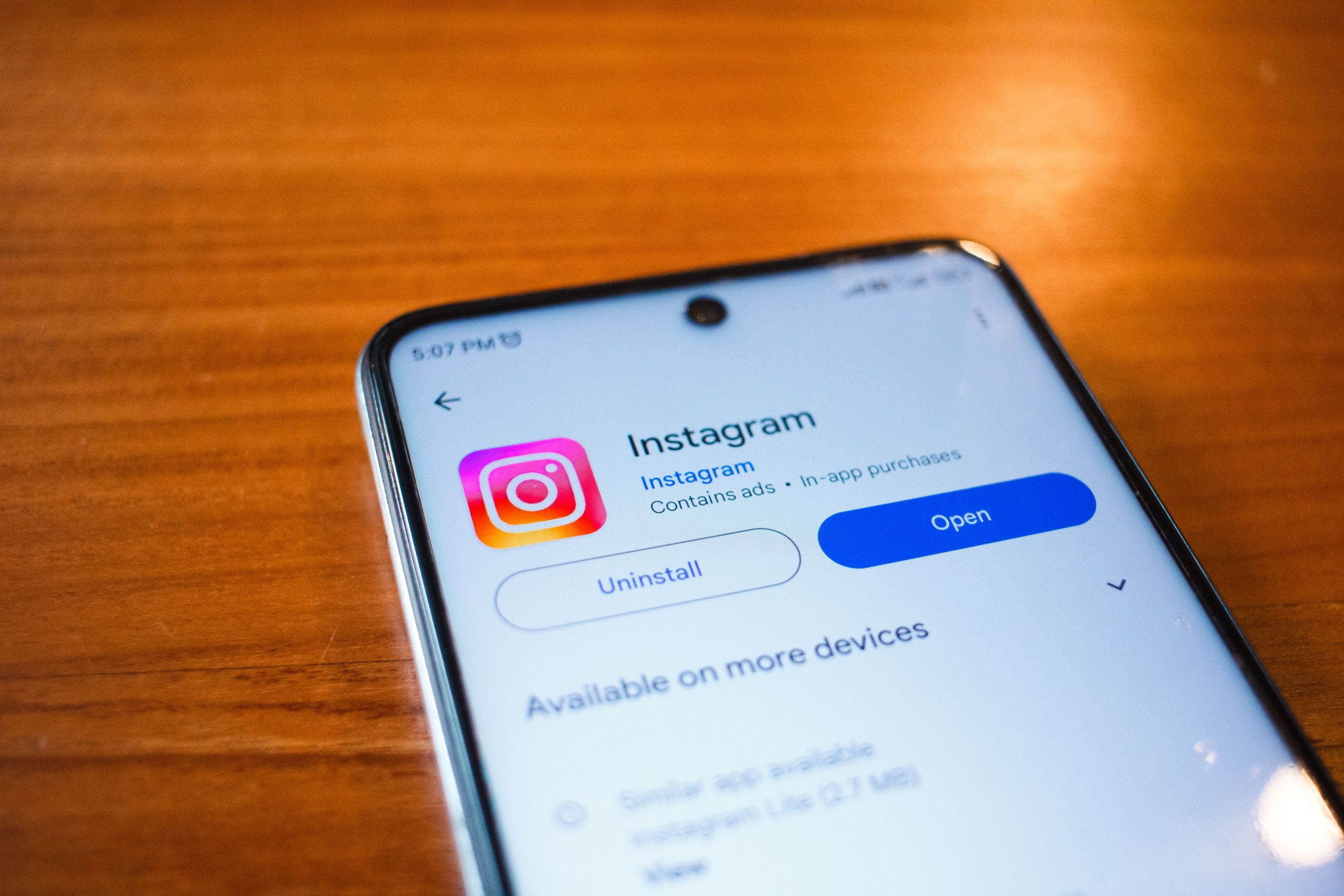
- Avoiding App Installations
Uninstalling the Instagram app, as some users do, reduces app-based tracking but doesn’t eliminate it entirely if you log in through a browser. To further cut down on tracking, consider avoiding logging into your account through browsers or apps unless necessary.
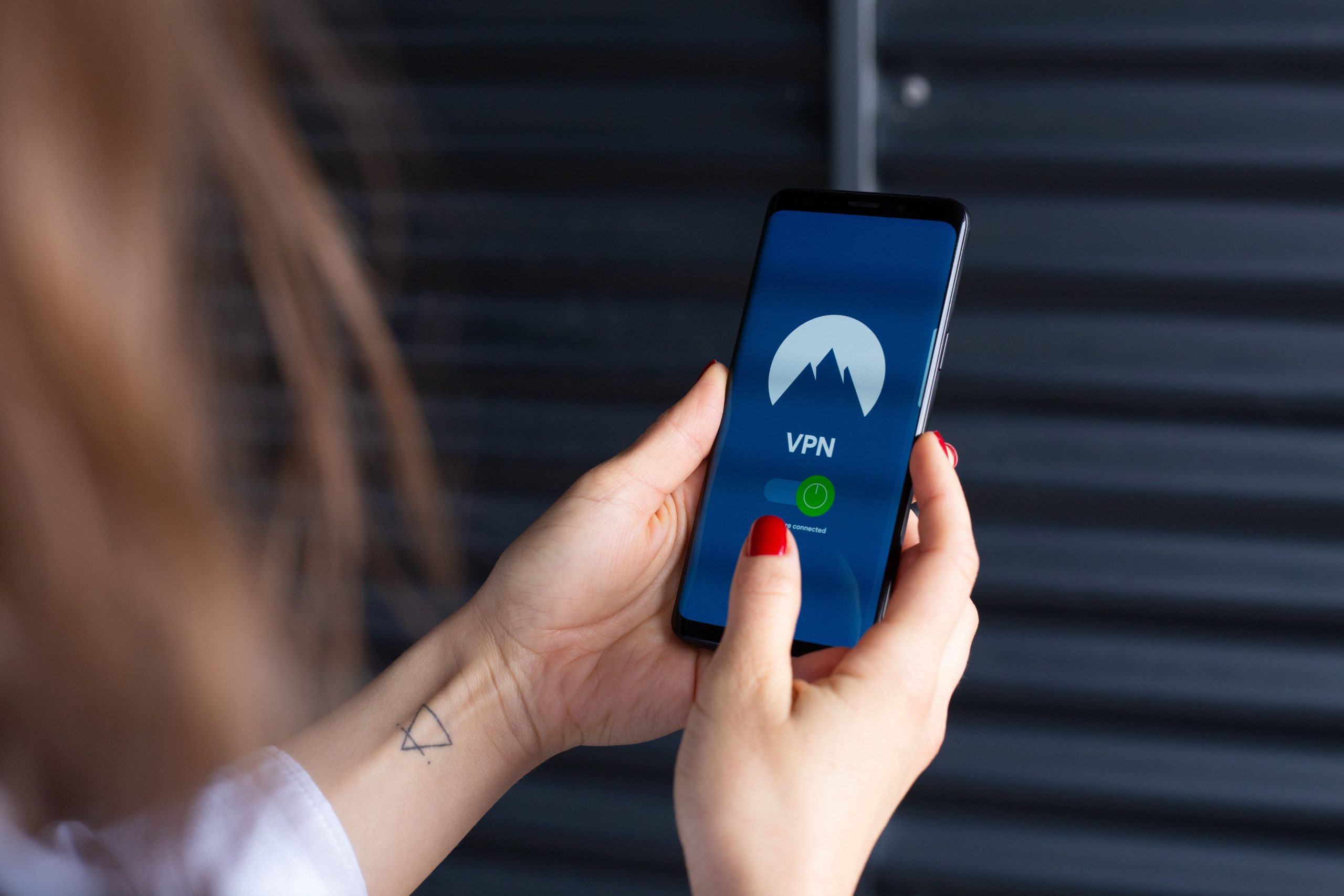
- Employing Virtual Private Networks (VPNs)
A VPN encrypts your internet traffic and masks your IP address. Using a reputable VPN can help obscure your connection details from Instagram and other online observers. However, be aware that Instagram may still collect data through your account activity, so a VPN is a piece of the privacy puzzle rather than a complete solution.
- Utilizing Privacy-Focused Browsers and Extensions
Certain browsers and extensions are designed to enhance privacy by blocking trackers and third-party cookies. Browsers like Mozilla Firefox with privacy extensions, or Brave, which blocks ads and trackers by default, can help limit data collection during your browsing sessions.
- Exploring Privacy-Focused Tools and Apps
While there are apps claiming to allow viewing Instagram without data collection, caution is advised. Many such tools violate Instagram’s terms of service and may compromise your security. Instead, prioritize legitimate privacy measures such as using VPNs, privacy browsers, and minimizing login activity.
- Limiting Profile Data Sharing
Within Instagram’s settings, disable options that share your data, such as activity status and ad targeting preferences. Regularly review your privacy settings to ensure they align with your privacy goals.
Final Recommendations
- Use a privacy-conscious browser like Firefox or Brave with tracker blockers.
- Access Instagram through a VPN to mask your IP address.
- Avoid unnecessary logins; consider viewing content without logging in when possible.
- Stay informed about Instagram’s privacy policies and stay updated on available security features.
Conclusion
While completely eliminating tracking on platforms like Instagram can be challenging, implementing a combination of privacy protocols can significantly reduce your digital footprint. Combining browser privacy tools, VPNs, cautious account management, and mindful browsing habits will help you enjoy social media more securely.
Remember, maintaining privacy is an ongoing process. Stay vigilant, keep learning about new privacy tools, and regularly review your digital habits to protect your online presence effectively.
This article was crafted to provide comprehensive, professional guidance on enhancing privacy while using Instagram. If you want me to include specific technical tools, step-by-step guides, or legal considerations, just let me know!