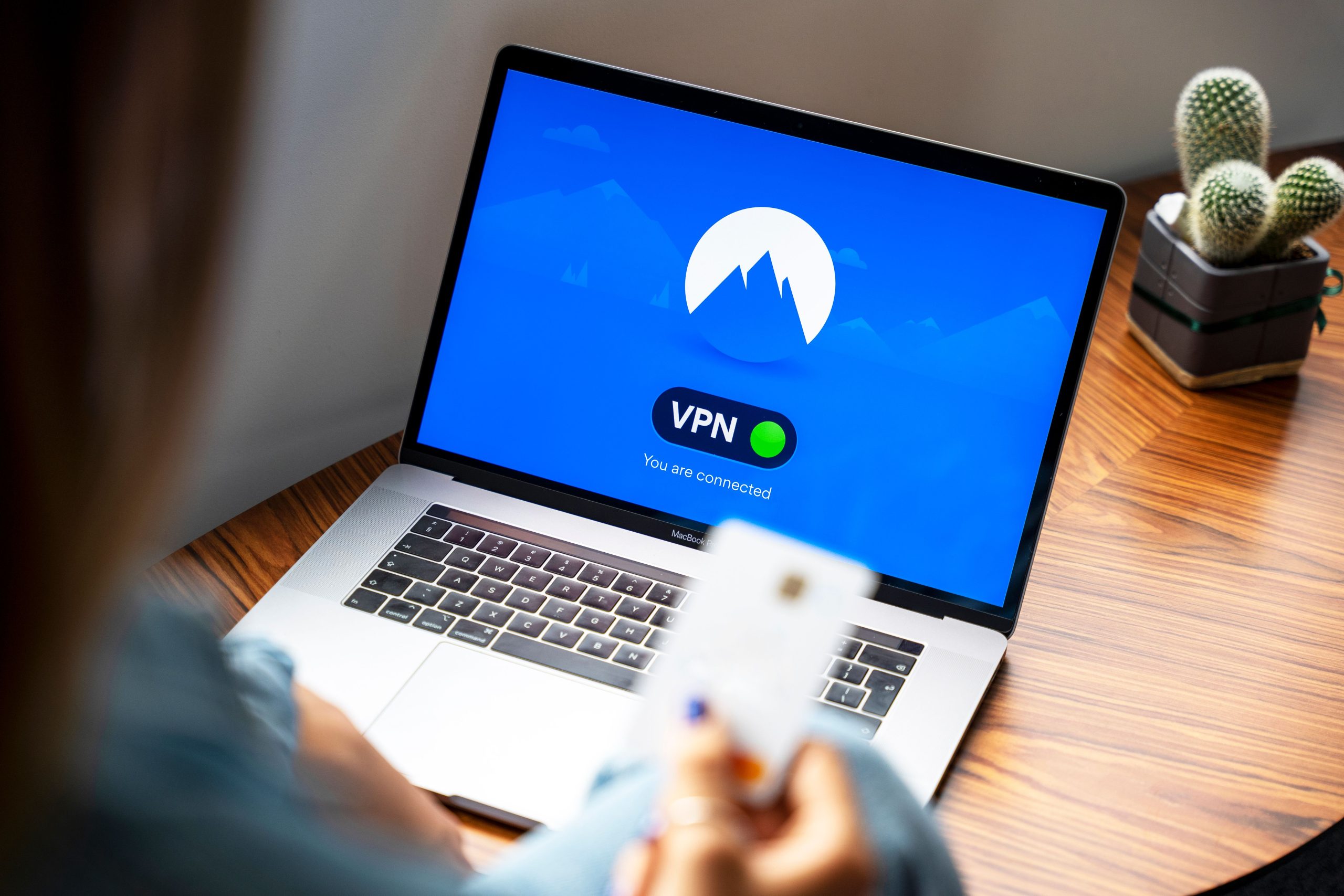
Understanding the Security of Two-Factor Authentication: Is It Worth Your Effort?
In recent times, cybersecurity threats have grown more sophisticated, making robust account protection more critical than ever. One popular security measure is Two-Factor Authentication (2FA), which adds an extra layer of verification beyond just a password. However, many users wonder: How secure is 2FA, especially when implemented via text message codes? Is setting it up worth the effort, or are you potentially wasting your time?
The Rising Importance of Two-Factor Authentication
After a personal experience involving a family member’s email account being compromised, the importance of securing online accounts becomes evident. This event prompted many users to consider implementing 2FA across their digital platforms to prevent similar breaches. 2FA typically involves an additional step—either a unique code sent via SMS or generated by an authentication app—that confirms your identity during login.
Types of 2FA: Text Messages vs. Authentication Apps
Initially, many users, including myself, find setting up 2FA through SMS straightforward. The process involves receiving a code via text message each time you log in—a quick and simple method that doesn’t require extra apps or technical know-how. However, sources and security experts often warn that SMS-based 2FA might not provide optimal protection due to vulnerabilities like SIM swapping and interception.
Alternatively, authentication apps like Google Authenticator, Authy, or Duo Mobile generate time-based one-time codes locally on your device. These apps are considered more secure because they are less susceptible to certain attacks targeting SMS delivery.
Is SMS-Based 2FA Sufficient?
While not 100% foolproof, SMS-based 2FA still significantly enhances account security compared to relying solely on passwords. It creates an additional barrier for attackers even if they manage to obtain your password. For many users, especially those who prioritize convenience, setting up SMS 2FA is a meaningful step toward better security.
Should You Switch to Authenticator Apps?
If you’re concerned about the security limitations of SMS 2FA, switching to an authenticator app is advisable. These apps reduce the risk of interception or SIM swapping attacks. Transitioning might require reconfiguring your accounts, but the increased security often justifies the effort.
Conclusion: Is Setting Up 2FA Worth Your Time?
Ultimately, implementing 2FA—whether via SMS or authenticator apps—is a valuable layer of protection for your online presence. While SMS 2FA offers notable security improvements and is easier to set up, opting for authenticator apps provides an extra degree of safety against evolving threats.
Before deciding, evaluate your security needs and the sensitivity of the accounts you’re protecting. For most users, enabling 2FA of any kind is a significant step forward in safeguarding personal and professional digital assets.
Remember: No security measure is perfect, but combining strong passwords with 2FA significantly reduces your risk of unauthorized access. Invest the few minutes to enable it—it’s worth the peace of mind.
Author’s note: As cybersecurity threats evolve, staying informed and proactive is key. Consider regularly updating your security settings and staying aware of best practices to keep your digital life safe.