Understanding Privacy Options When Setting Up a New WhatsApp Account: A Guide for Users
In today’s digital age, privacy concerns are at the forefront of many users’ minds when engaging with messaging platforms. WhatsApp, one of the most popular messaging applications worldwide, has been scrutinized for its data collection practices, particularly regarding metadata. This article aims to shed light on privacy considerations when registering a new WhatsApp account, especially for users who value control over their personal information.
The Privacy Dilemma with WhatsApp
Recent developments have highlighted WhatsApp’s collection of user metadata—information such as timestamps, device details, and connection patterns—that can be used for analytics and possibly shared with third parties. Users who are particularly privacy-conscious may find this worrisome, especially if they wish to limit the amount of data transmitted during account setup.
Challenges During Account Creation
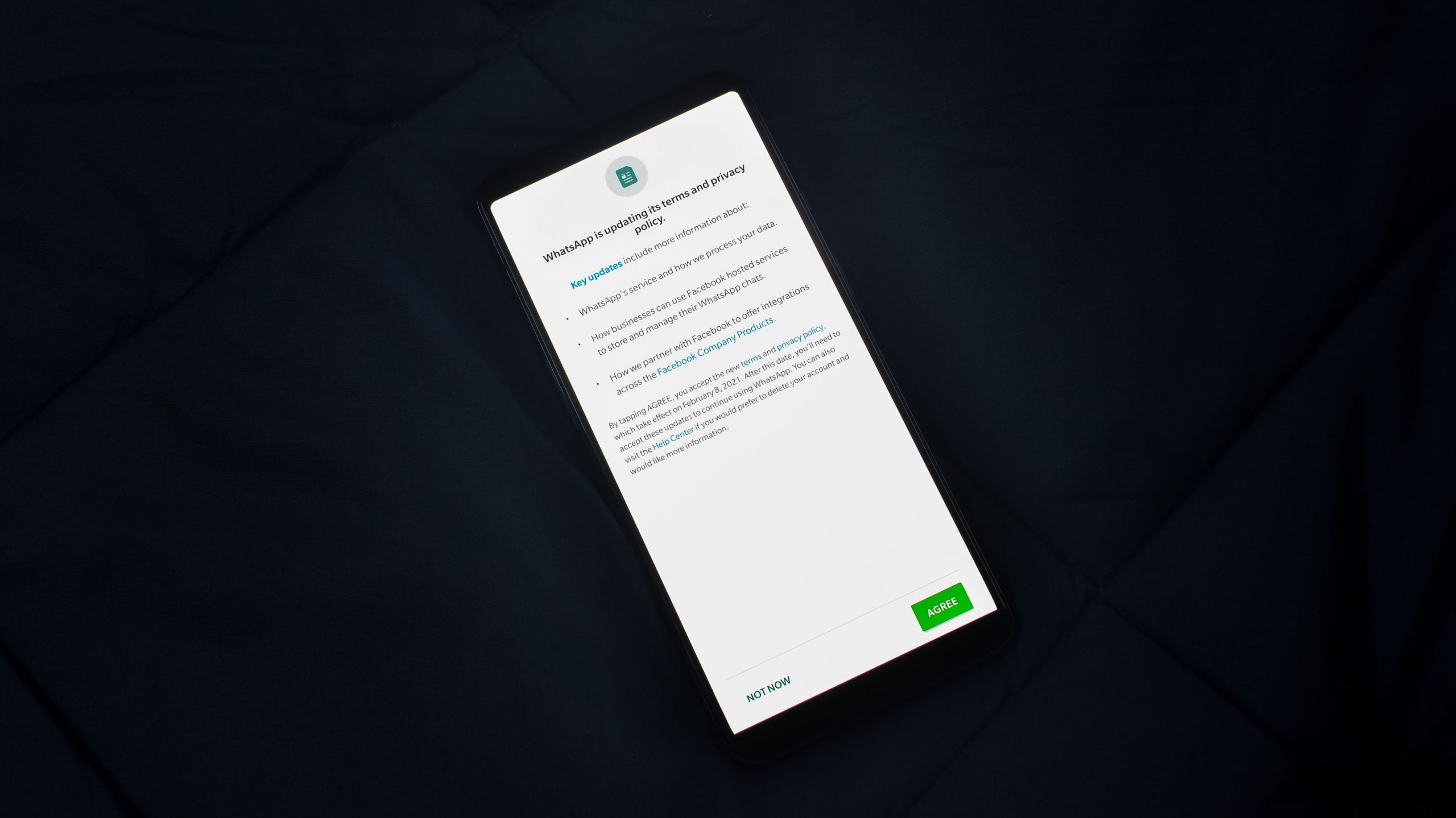
Many users have noted that when installing WhatsApp on their devices—particularly on iOS—they do not encounter explicit options to opt out of metadata sharing during the registration process. For instance, upon reinstalling WhatsApp or switching to a new phone number, the app prompts for account setup but lacks a clear “Disagree” or uncheck option specific to metadata collection. This can lead to confusion and concern for users aiming to maintain tighter privacy controls.
Is an Opt-Out Available?
Currently, WhatsApp’s privacy policy emphasizes transparency about the data they collect, but granular controls within the app for opting out of specific data sharing, such as metadata collection during account creation, are limited or not prominently user-accessible. Unlike some privacy-focused applications, WhatsApp’s default setup does not typically feature explicit toggle switches for metadata sharing at the initial installation or account creation stage, especially on iOS devices.
What Can Users Do?
While there may not be a straightforward way to completely disable metadata sharing in the setup process, users seeking enhanced privacy can consider the following steps:
-
Review Privacy Settings Post-Installation: Although options are limited at setup, WhatsApp allows users to configure privacy settings within the app, such as controlling who can see their profile information or status.
-
Limit Account Data Sharing: Ensure that account-related information is minimized—e.g., setting profile picture visibility to “My Contacts” or turning off read receipts.
-
Use Alternative Messaging Apps: For those highly concerned about metadata collection, exploring other messaging platforms that offer more transparent privacy controls might be beneficial.
-
Stay Informed on Policy Updates: Keep abreast of WhatsApp’s privacy policy updates, as they may introduce more granular control options in the future.
-
Leverage Device-Level Privacy Settings: On iOS, you can restrict app access to certain permissions and monitor data sharing settings through the device’s privacy controls.
Conclusion
While the current setup process for WhatsApp on iOS does not provide explicit options to opt out of metadata sharing, users wishing to protect their privacy should explore available in-app settings, apply device-level privacy restrictions, and stay informed about platform updates. Being proactive about your digital privacy is essential, especially with applications that aggregate user data, and choosing the right communication tools can make a significant difference.
If you have additional insights or tips regarding WhatsApp’s privacy features on iOS, sharing them can help foster a more informed user community.