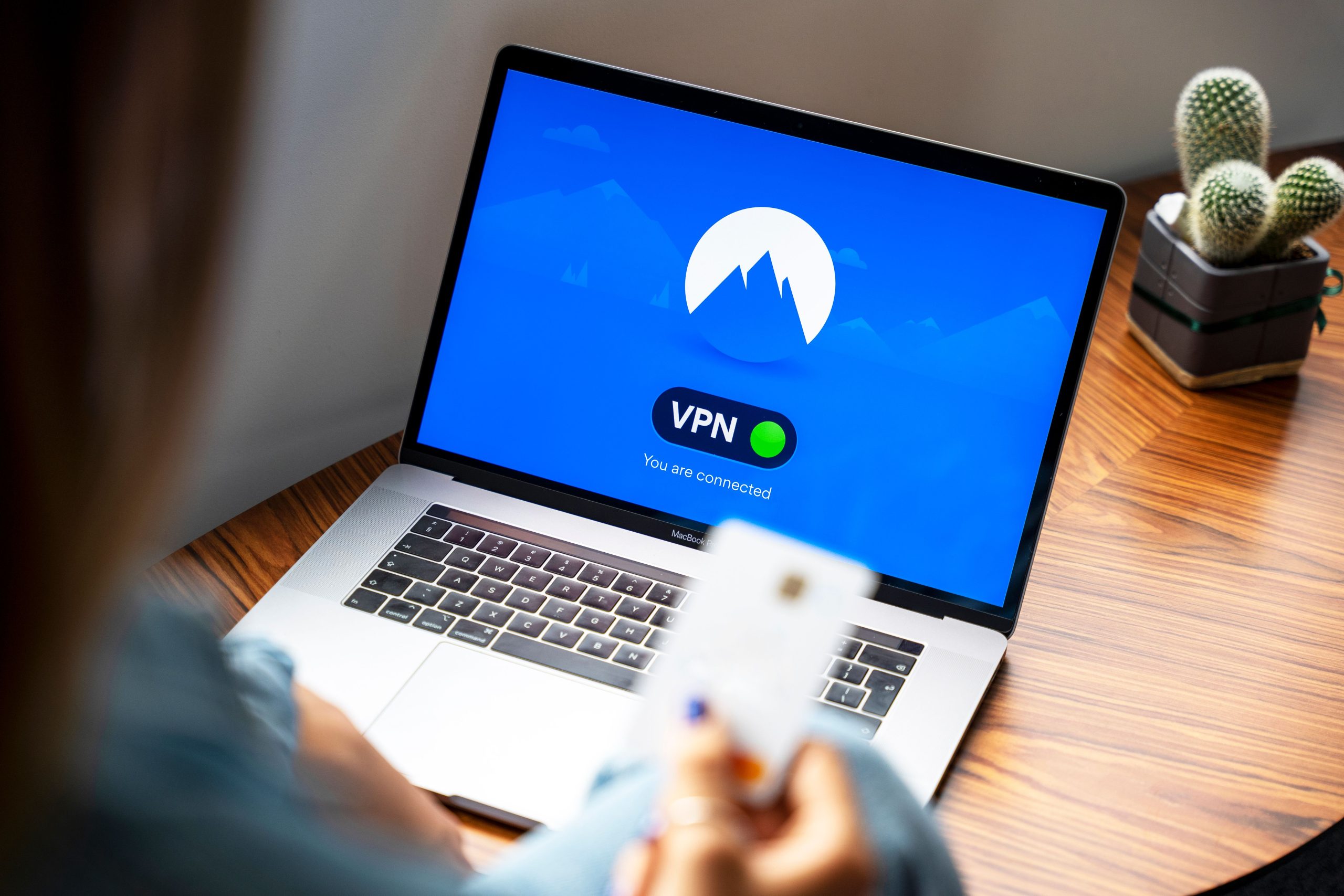
Ensuring Safe Use of Public Wi-Fi During Travel: Essential Tips for Protecting Your Data
Traveling often necessitates connectivity, and public Wi-Fi networks provide a convenient solution. However, using these networks without proper precautions can expose your personal information and online accounts to security risks. To enjoy the benefits of public Wi-Fi while safeguarding your digital security, consider implementing the following best practices.
1. Prioritize Using a Reliable VPN Service
A Virtual Private Network (VPN) encrypts your internet traffic, making it significantly more difficult for hackers to intercept your data. When selecting a VPN, opt for reputable providers that offer strong encryption protocols, a no-logs policy, and reliable performance. Connecting through a VPN should be your first line of defense whenever you access sensitive information on a public network.
2. Enable Two-Factor Authentication (2FA)
Adding an extra layer of security to your accounts can prevent unauthorized access, even if your login details are compromised. Enable 2FA on all relevant accounts, such as email, banking, and social media platforms, to require a second verification step—like a code sent to your mobile device—before granting access.
3. Avoid Sensitive Transactions on Public Wi-Fi
Refrain from conducting financial transactions, accessing sensitive work documents, or reviewing personal health information while connected to public Wi-Fi networks. If necessary, use your mobile data connection for such activities or wait until you are on a trusted, secured network.
4. Use Secure and Encrypted Websites
Ensure that websites you visit use HTTPS encryption, which secures the data exchanged between your browser and the server. Most browsers display a padlock icon in the address bar for sites that use HTTPS; avoid submitting sensitive information on sites without this security feature.
5. Keep Your Devices and Software Updated
Regularly update your operating system, browser, and security software to ensure you have the latest protection against vulnerabilities. Security patches often address newly discovered threats, making your devices less susceptible to attacks.
6. Turn Off Sharing and Wi-Fi When Not in Use
Disable network sharing features and switch off Wi-Fi when you’re not actively using it. This reduces the risk of inadvertent connections to malicious networks or other nearby devices.
7. Use Strong, Unique Passwords
Create robust passwords for your accounts and avoid reusing them across multiple platforms. Consider using a reputable password manager to generate and store complex passwords securely.
8. Be Wary of Fake Networks and Phishing Attempts
Always verify the network name with staff or trusted sources before connecting. Be cautious of fake hotspots set up by malicious actors seeking to intercept your data. Additionally, be vigilant about phishing emails or messages that may arrive while you’re abroad.
In Summary
While public Wi-Fi can be a valuable tool while traveling, it requires vigilance and proactive security measures. Employing a reliable VPN, enabling two-factor authentication, maintaining device security, and practicing good browsing habits are key strategies to protect your personal data. By combining these precautions, you can enjoy staying connected during your travels without compromising your online security.
Safe travels and secure browsing!